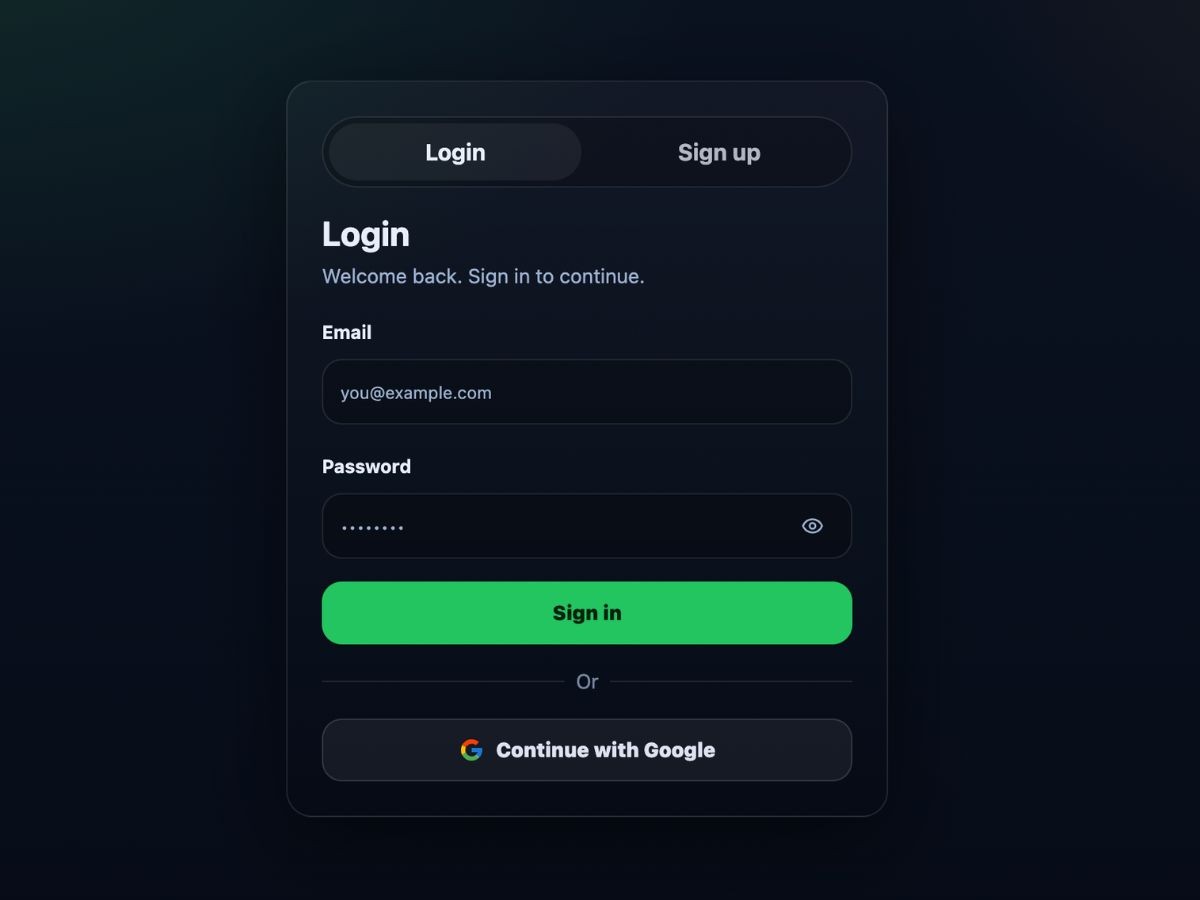
Any issues you may have, we will try to help you fix here.

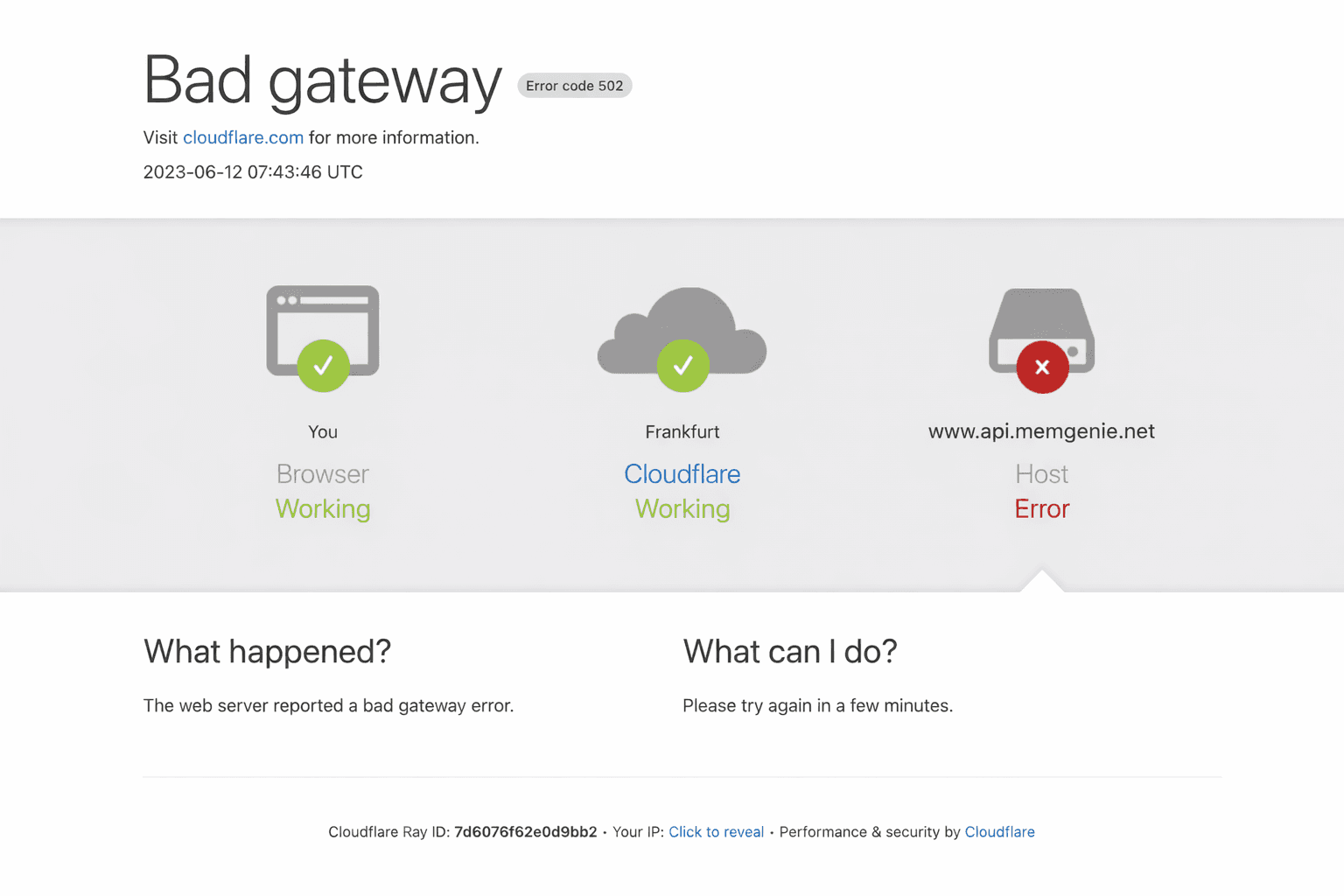
Issue #1
"Bad Gateway" Cloudfare Error
Here is how to fix it:
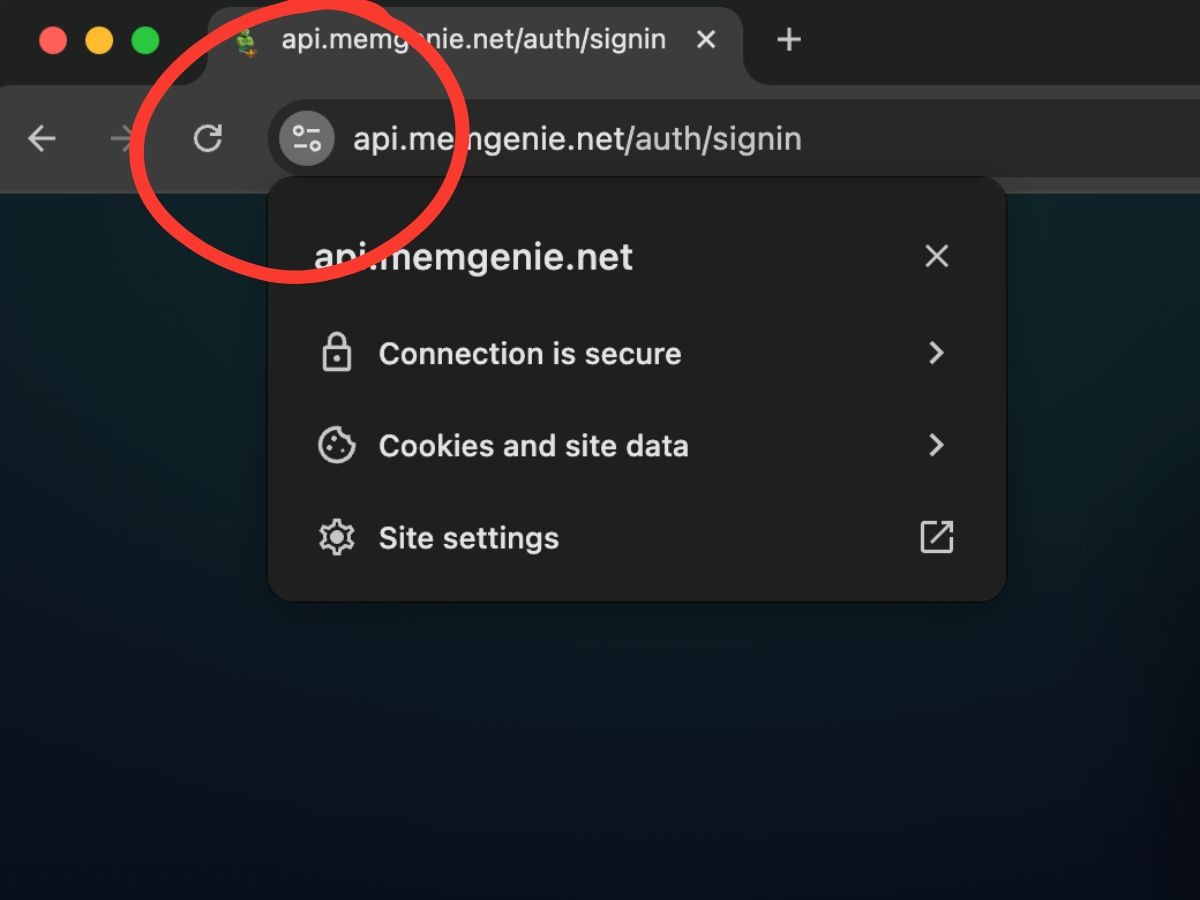
Click the settings icon in your browser
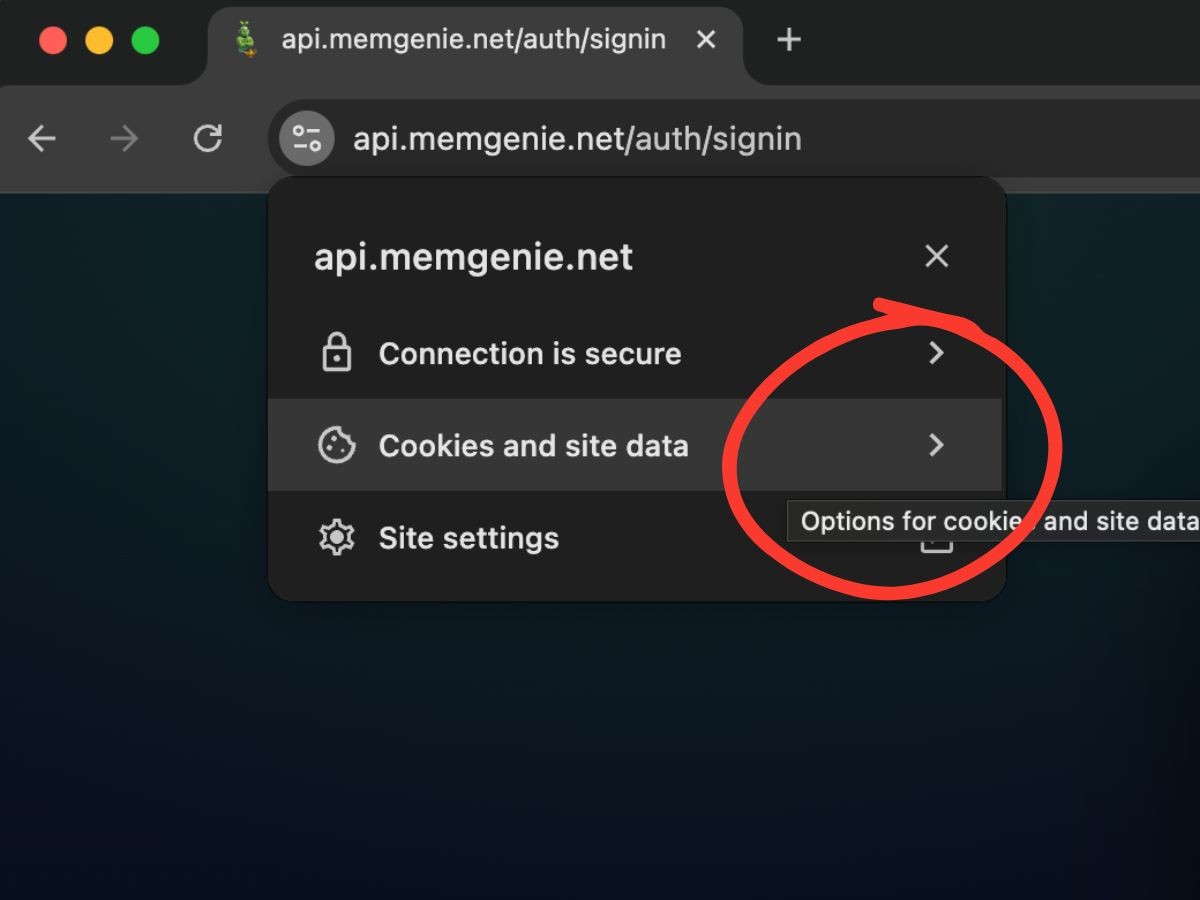
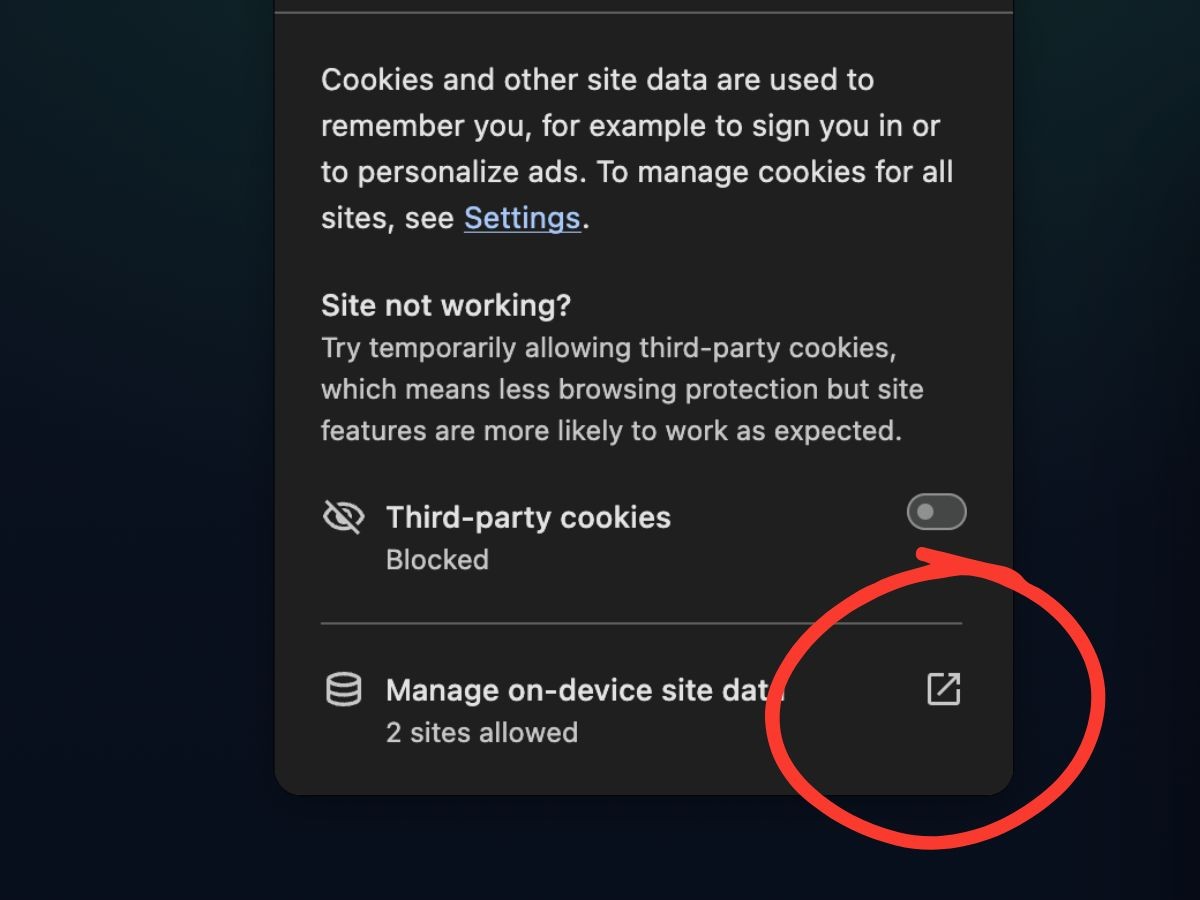
Click the "Cookies and site data" button
Click the "Manage on-device site data" button
Click the two trash icons to clear cookies from both sites
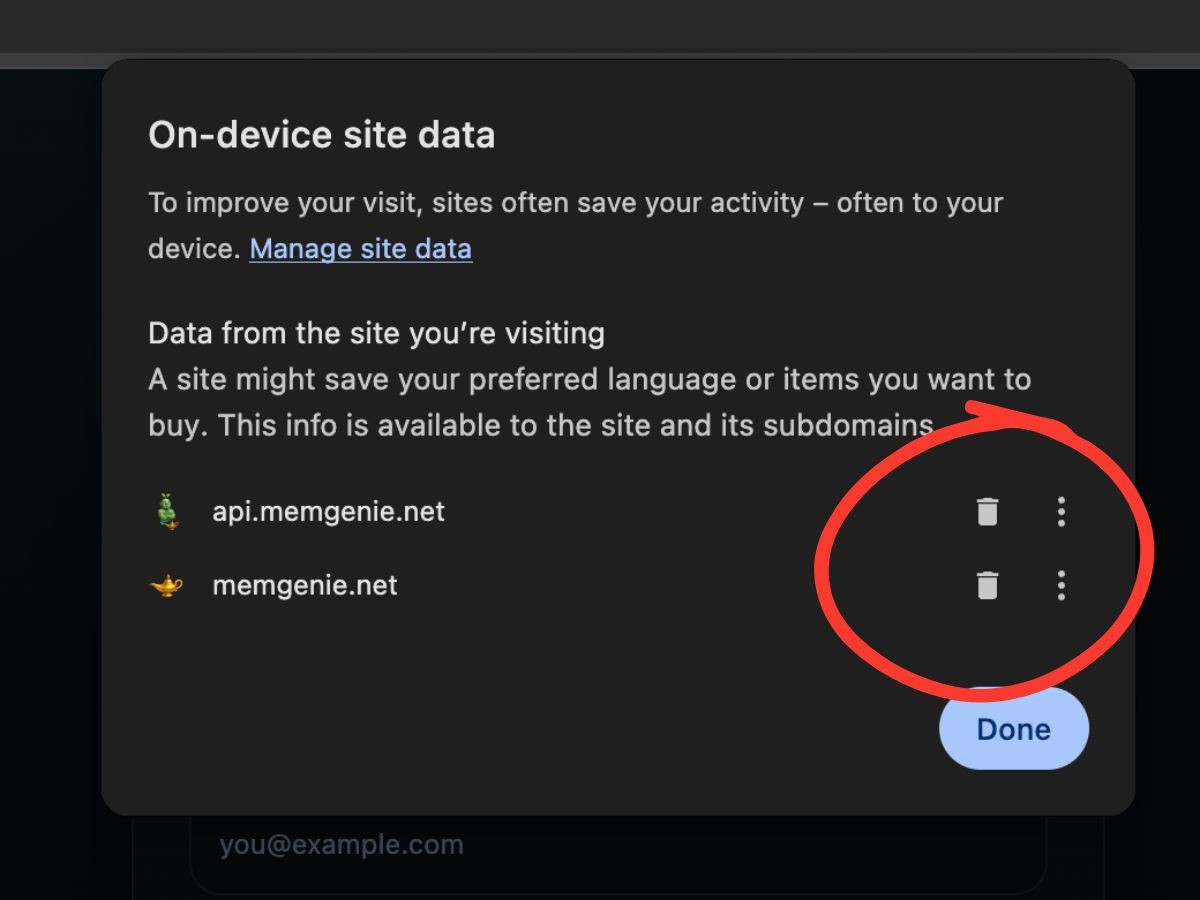
Click done, and then reload the website
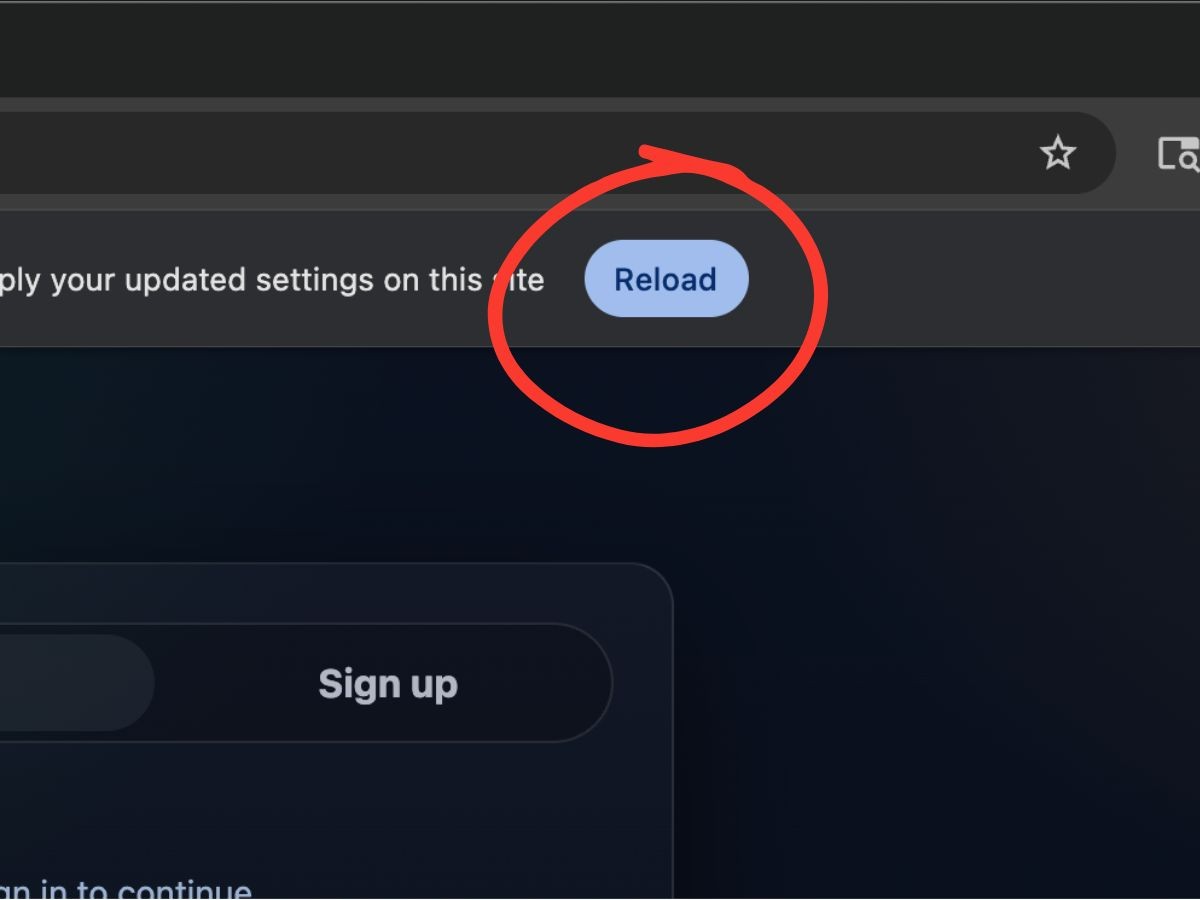
You should successfully be taken to the signup page